Connect Projectal to the rest of your business.
Integrate Projectal seamlessly with the tools used by your teams via connectors, REST APIs, webhooks and Python.




Choose the integration that fits your needs.
Connect business tools with supported connectors, work with Projectal over HTTPS, receive notifications when data changes, or build with Python.

Supported connectors
Exchange data with production, HR, finance, calendar and collaboration tools.

REST API
Use documented JSON endpoints to query and manage Projectal records.

Webhooks
Send updates to other applications when selected Projectal events occur.

Python client library
Install the Projectal package from PyPI and work with Projectal from Python.
Keep Projectal and your other systems in sync.
Connect Projectal with hundreds of production, HR, finance, calendar and collaboration tools.
Bring staff and operational data into Projectal, keep shared records aligned and send approved hours or costs to finance and payroll.


















Connect creative, people, finance and collaboration systems.

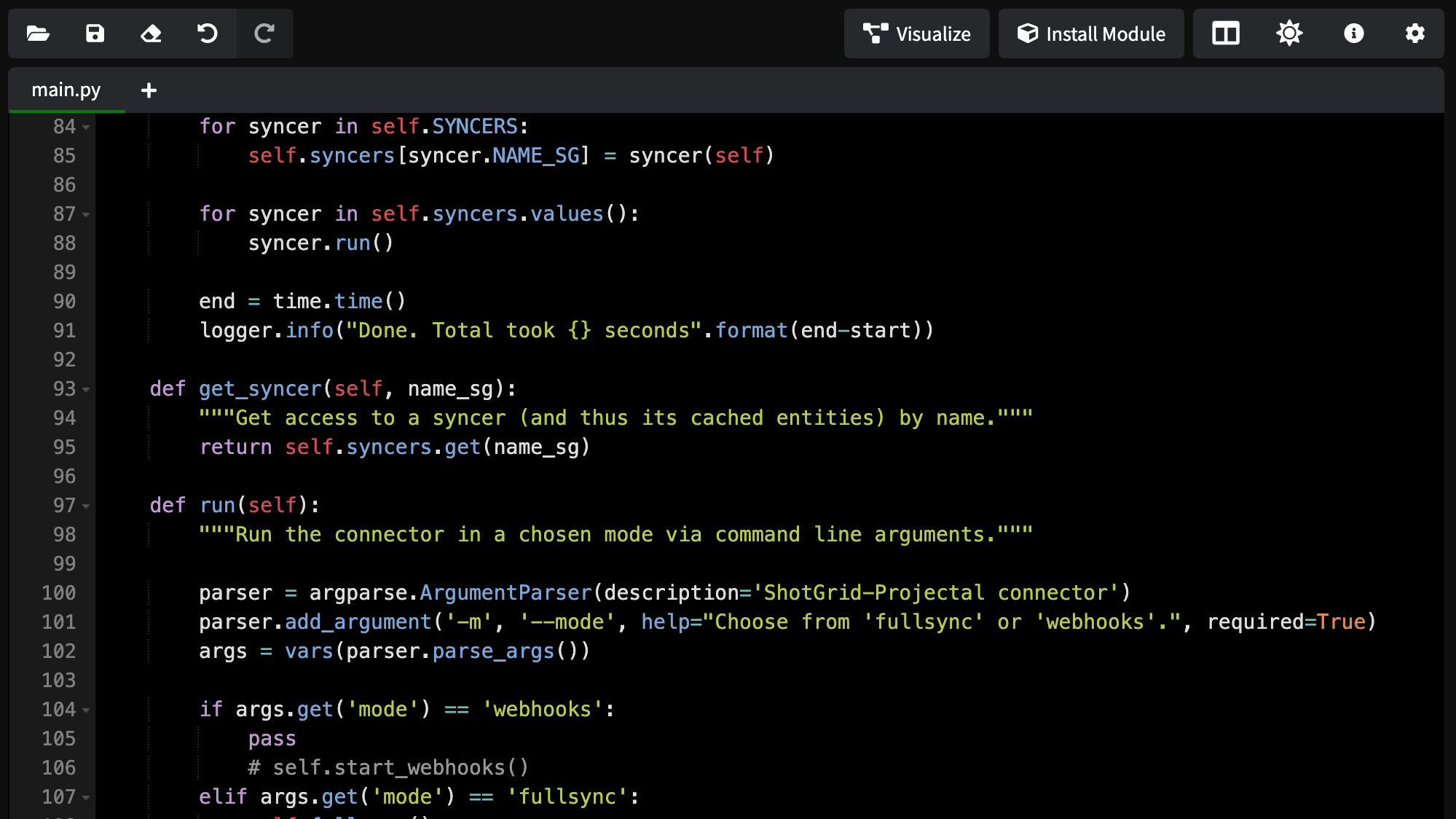
Use the Python client library to work with Projectal records from your own application.
Build custom integrations using Projectal data.
Access projects, tasks, staff, resources, bookings, calendars, skills, notes, time logs and other Projectal records.
The REST API uses JSON over HTTPS. Authenticate with a Projectal account to receive a JWT, then make requests using the permissions assigned to that account.
Query, create or update Projectal records using documented endpoints, filtering and pagination. Use webhooks to notify your application when important events occur, so your integration can respond to changes in Projectal.
Choose direct requests, event notifications or Python.

REST API
Send HTTPS requests and receive JSON responses for documented Projectal operations.
Webhooks
Register callback URLs for events such as task changes or project completion.
Python library
Install with pip and use Projectal entities from applications running Python 3.9 or later.
Everything needed to plan a maintainable integration.
Review versioned API documentation, use Projectal’s authentication and permissions model, and get implementation help when the workflow is complex.


See Projectal connect with the rest of your business.
Connectors, REST APIs, webhooks and Python keep Projectal aligned with the systems your teams already use.
