Meet Projectal 7.0: The New Era of Agentic AI Workflows for Creative Teams

The official release of Projectal 7.0 marks a major milestone for producers, department heads, and executives managing complex projects across film, VFX, animation, games, advertising, virtual production and architectural visualization. As creative pipelines scale and timelines compress, modern creative businesses face unprecedented demands on resource coordination, capacity planning, and deliverable tracking. Projectal 7.0 addresses these challenges by expanding how teams orchestrate operations, bridging core project data directly with modern AI tools.
At the heart of Projectal 7.0 is a native Model Context Protocol (MCP) Server. MCP serves as a universal, secure bridge between your operational data and leading AI applications. By establishing native support for the protocol, Projectal 7.0 allows creative management to connect their preferred AI tools directly into live production environments without relying on manual data exports, custom scripts, or double-entry.
A producer typing “Which senior artists have bandwidth next month for an unannounced bid?” into Claude or ChatGPT now gets a real, live answer pulled straight from Projectal. No spreadsheet exports, no custom reports. This is just the beginning of what Projectal 7.0 unlocks for creative teams.
A Universal Bridge to Your AI Tools
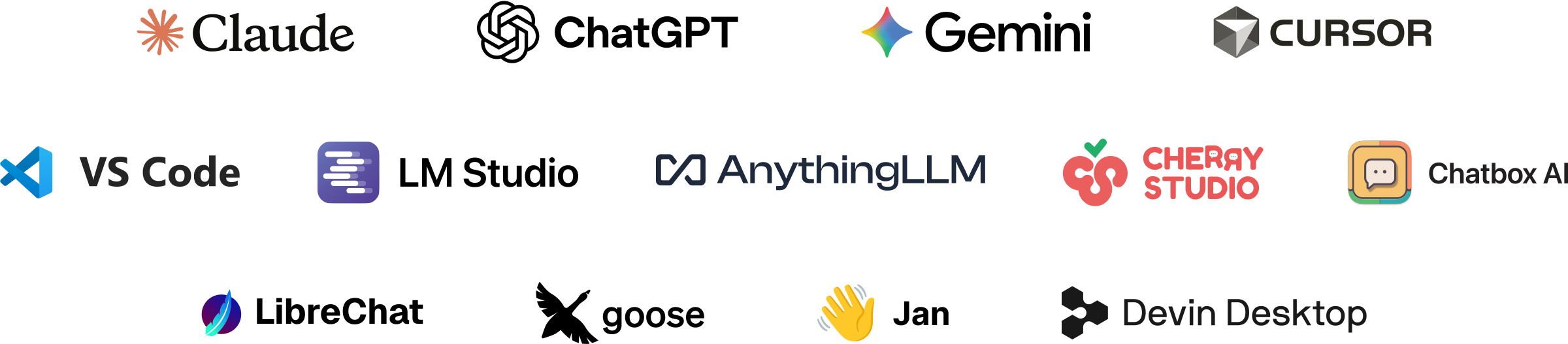
Because Projectal 7.0 implements the standardized Model Context Protocol (MCP), management teams can connect hundreds of MCP-compatible AI tools to Projectal, including popular applications such as: Claude Desktop / Cowork, ChatGPT / Codex, Google Gemini / Antigravity, Cursor, LM Studio, AnythingLLM, LibreChat, Goose, Cherry Studio, Devin Desktop, VS Code, Chatbox, Jan.ai, or any other MCP-compatible client.
By connecting an AI tool to Projectal’s MCP server, creative teams can now interact with a broad range of company data points, including projects, departments, staff plans, bookings, schedules and costings, using natural language prompting, turning unstructured queries into immediate operational actions.
What You Can Do With It Today
Connecting an AI tool to Projectal’s MCP server unlocks two primary operational capabilities for creative teams:
1. Prompting for Real-Time Project Insights. Rather than navigating through spreadsheets, filtering custom views, or pulling static reports, production management can ask direct questions to get immediate, real-time answers about projects, resources, costs and schedules:
2. Build agentic workflows. Going further than just prompting for answers, agentic AI offers the ability to chain Projectal together with other external AI agents, databases, and enterprise tools. By linking distinct sources of truth into a unified workflow, AI assistants can handle complex multi-step processes:
By replacing the existing multi-step, manual coordination with seamless, interconnected agentic loops, creative businesses drastically reduce administrative friction, save valuable hours, and ensure total data consistency across all platforms.
No Extra Fees from Projectal
Using Projectal's integrated MCP server and agentic AI capabilities incurs zero additional fees or subscription upgrades from Projectal.
Projectal does not charge token fees or usage penalties for MCP requests. Any AI usage costs or token consumption depend entirely on the specific AI application your team connects to Projectal (such as a paid API key or subscription plan for Claude or ChatGPT). Alternatively, teams using free, local, or offline AI applications (like LM Studio, AnythingLLM or LibreChat) can run agentic workflows with no external token charges whatsoever.
Built for Enterprise Security
Bringing AI directly into your live company data requires uncompromising security. First and foremost, each Projectal MCP server is entirely private and isolated to the specific company using it. A shared, multi-tenanted AI endpoint is never used. Each business is provided with a dedicated MCP server, ensuring that proprietary production data, schedules, and financials are strictly contained.
Additionally, Projectal 7.0 gives administrators full control over who can connect to Projectal from an AI application and what actions those tools are allowed to perform. Through Projectal's role-based security layer, administrators can precisely configure access rights per user or team, controlling permissions for reading, adding, modifying, or deleting entities, as well as restricting access to sensitive financial data, pay rates, and high-level project budgets.
Built for the Way Creative Teams Actually Work
As creative businesses navigate high project volumes, fluctuating deadlines, and intricate staffing requirements across global teams, Projectal 7.0 offers a structured environment where management retains complete governance while AI handles operational friction.
By offloading routine data lookups, resource queries, and manual schedule adjustments to connected AI tools, production departments and executive teams can spend less time on administrative coordination and more time delivering amazing creative work.
Getting Started
Projectal 7.0 is available immediately.
Already using Projectal? The MCP server is automatically enabled as part of the Projectal 7.0 release. In Projectal, simply navigate to the Management screen and click the MCP Server button to access your company's unique MCP server URL. Copy this URL into your AI tool to instantly connect it to your Projectal MCP server.
New to Projectal? Experience how agentic AI workflows and natural language prompting can transform your operations. Start a free, fully-featured 30-day trial, or contact us to schedule a personalized demo and see agentic project management in action.
Not sure where to start with AI tools & agentic workflows? For creative businesses just beginning to experiment with AI tools and agentic AI in your production workflows, we can provide expert assistance to advise and help navigate this fast-changing space and build out new agentic workflows.
Coming up: stay tuned for future articles that will dive deeper into specific use cases and real-world examples of agentic AI workflows in action.